Trainee Information
Pipeline makes it simple for you to review trainee information & progress.
To view a trainee's record:
- Click on "Field Training" in the navigation bar, then click on "Trainees".
- Search for the trainee's record
- Click on the button to view the record

Training Records
Click on the Training tab to review all of the training plans a trainee is enrolled in.
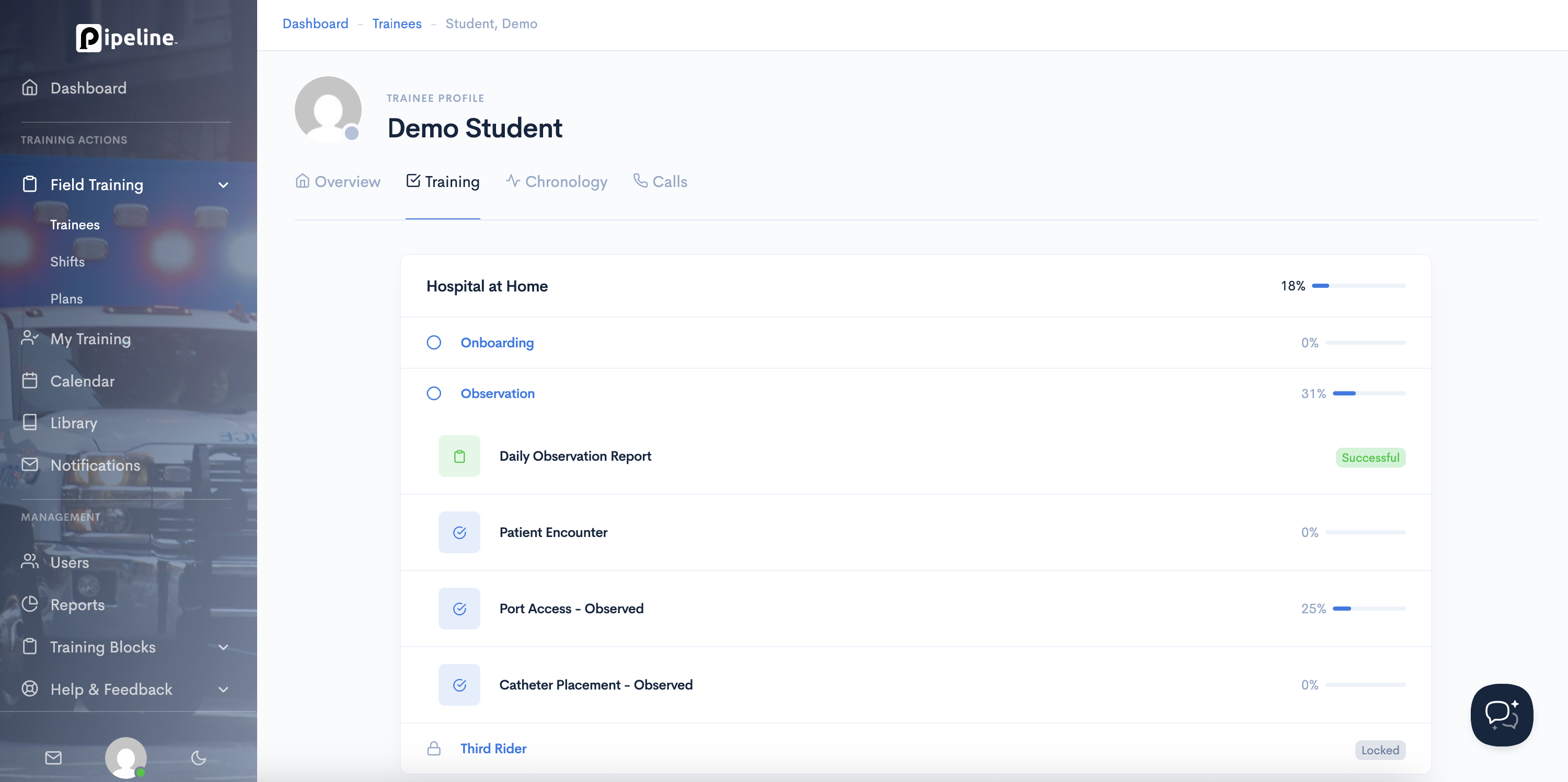
This will show all of their training records, modules, and requirements. You can see what their status is and what progress they have made towards outstanding requirements.
Training Chronology
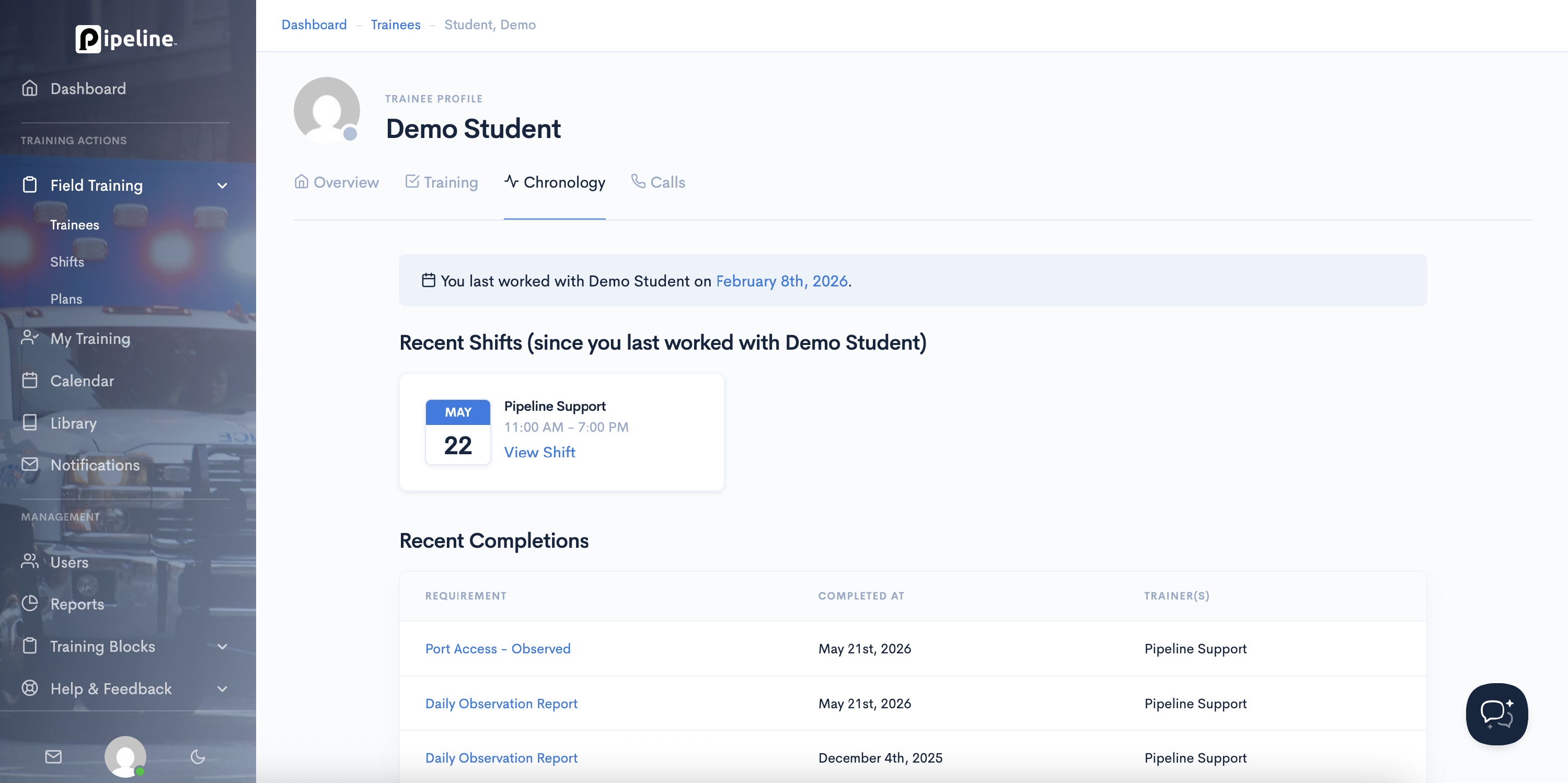
The Chronology tab provides you with all information about their recent training and shifts.
Call History
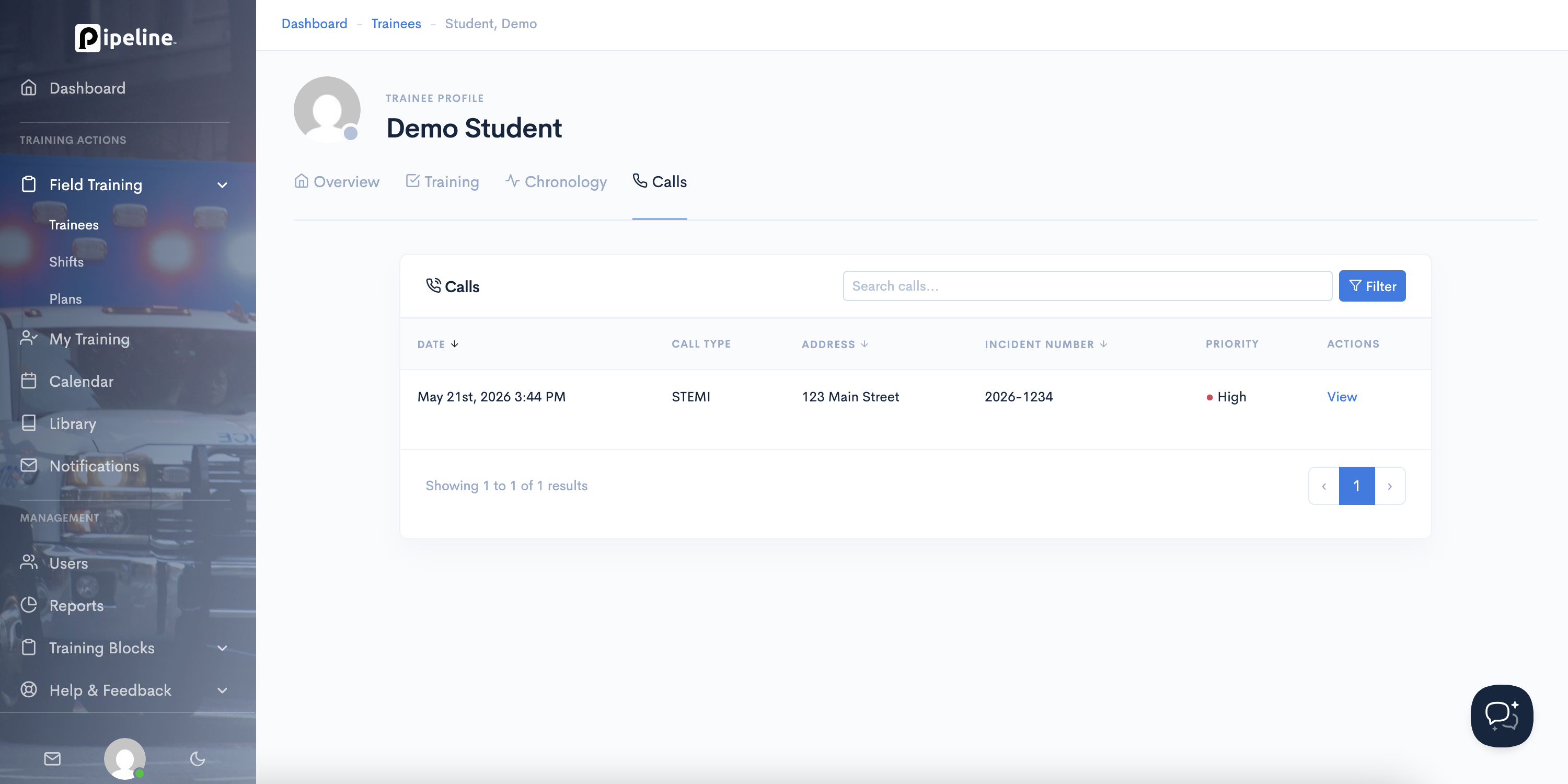
The Calls tab will show you all of the calls the trainee has been on that have been logged in Pipeline.
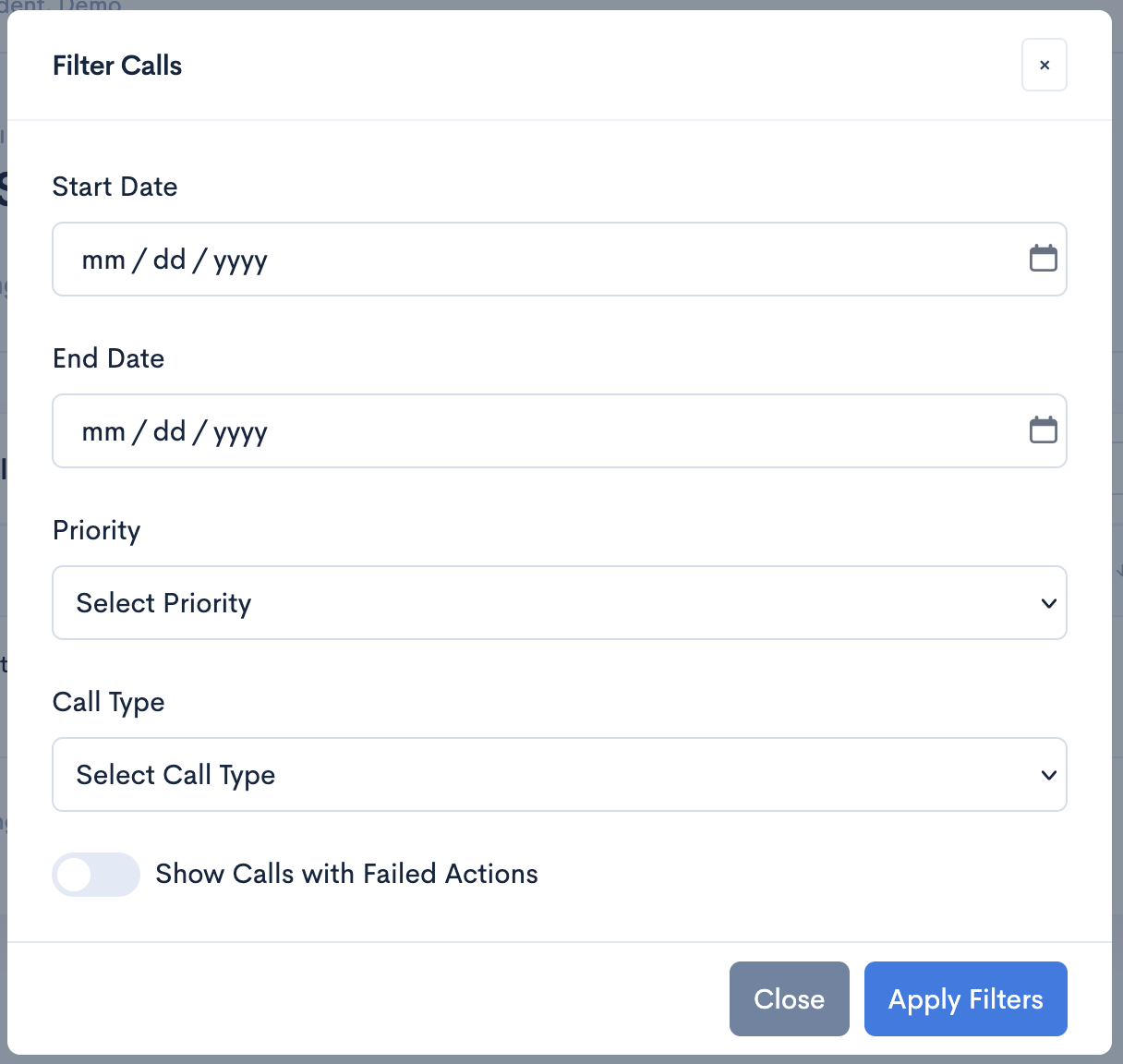
Calls can be filtered by date, priority, and type. They can also be filtered by calls that have a failed action attached to them.