
I Can't Enter Training
There may be times that you intend to enter something like a Daily Observation Report or Call Summary, but are unable to do so.
There are likely two scenarios why this is happening:
-
The training requirement you are looking to enter training for is not yet available (meaning it is still locked).
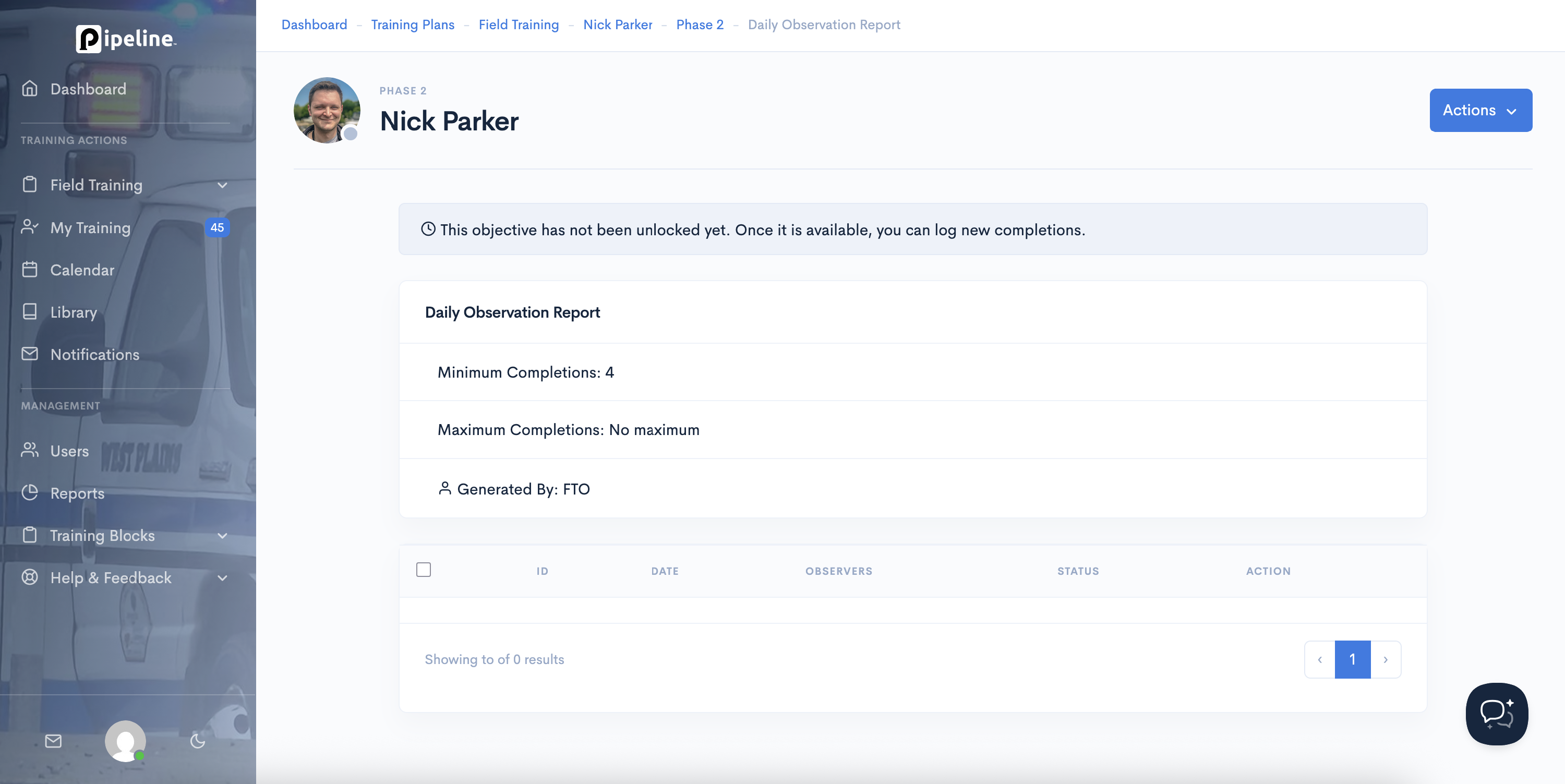
-
The training requirement has been marked as successful (typically this happens based on automation rules.
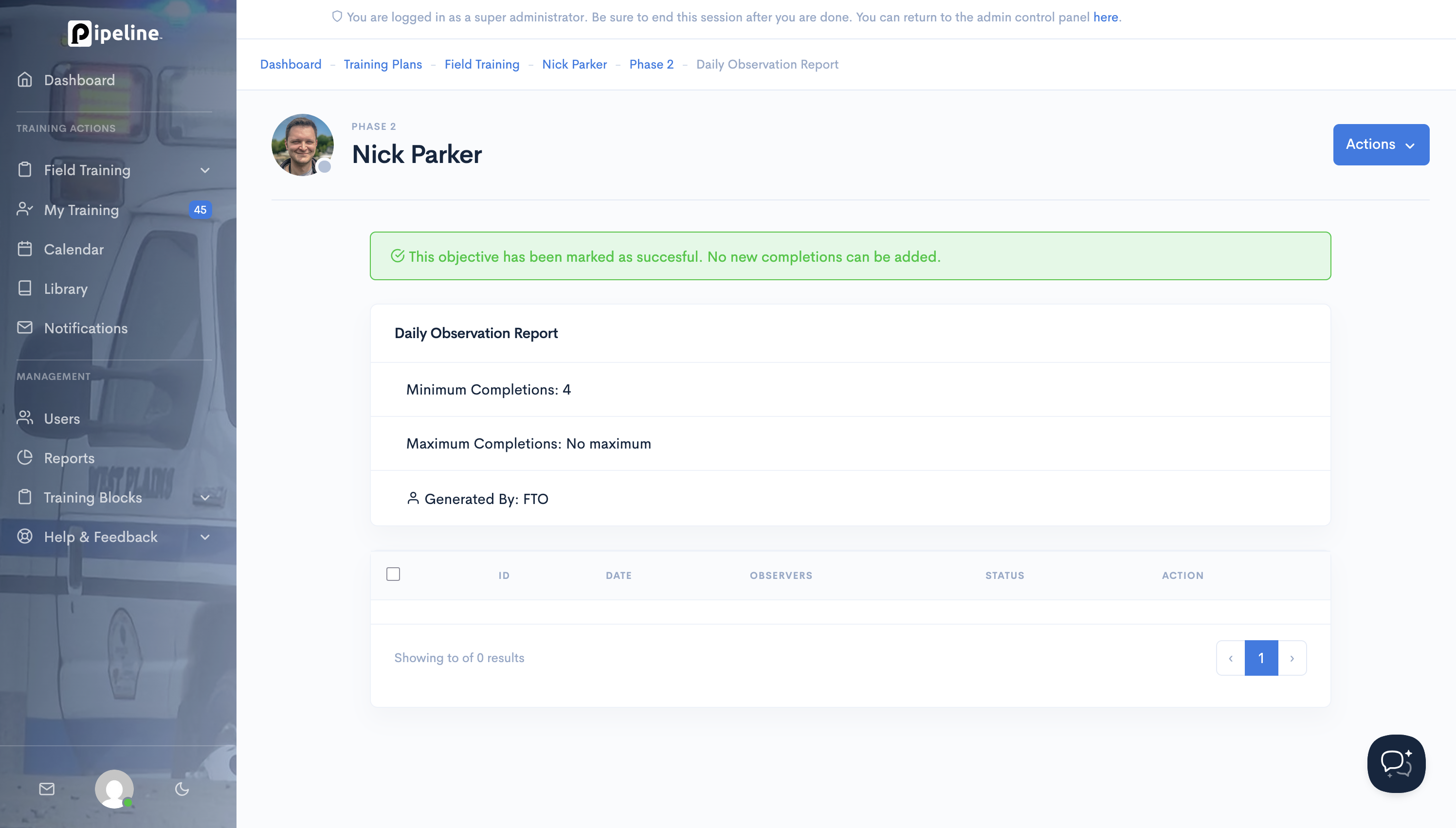
In both cases, an administrator will need to update that training requirement for that user to make that training accessible.
For training continuity and security reasons, Pipeline Support cannot adjust the status of training items on behalf of customers.
How to Remedy This as an Administrator
-
Navigate to the user's training requirement page (e.g., Training Plans >
EMS FTEP > John Doe > Phase 1 > DOR)
- Click on "Actions" in the top right hand corner
- Click on "Edit"
- Update the Status to "In Progress" and check "Ignore Automation Rules" as appropriate.

This can also be done quickly for pending/locked items:
- Navigate to the Module where the training requirement is.
- Find the card with the training requirement.
- Click on "Actions".
- Click on "Unlock"
