
Starting a Shift as an FTO
-
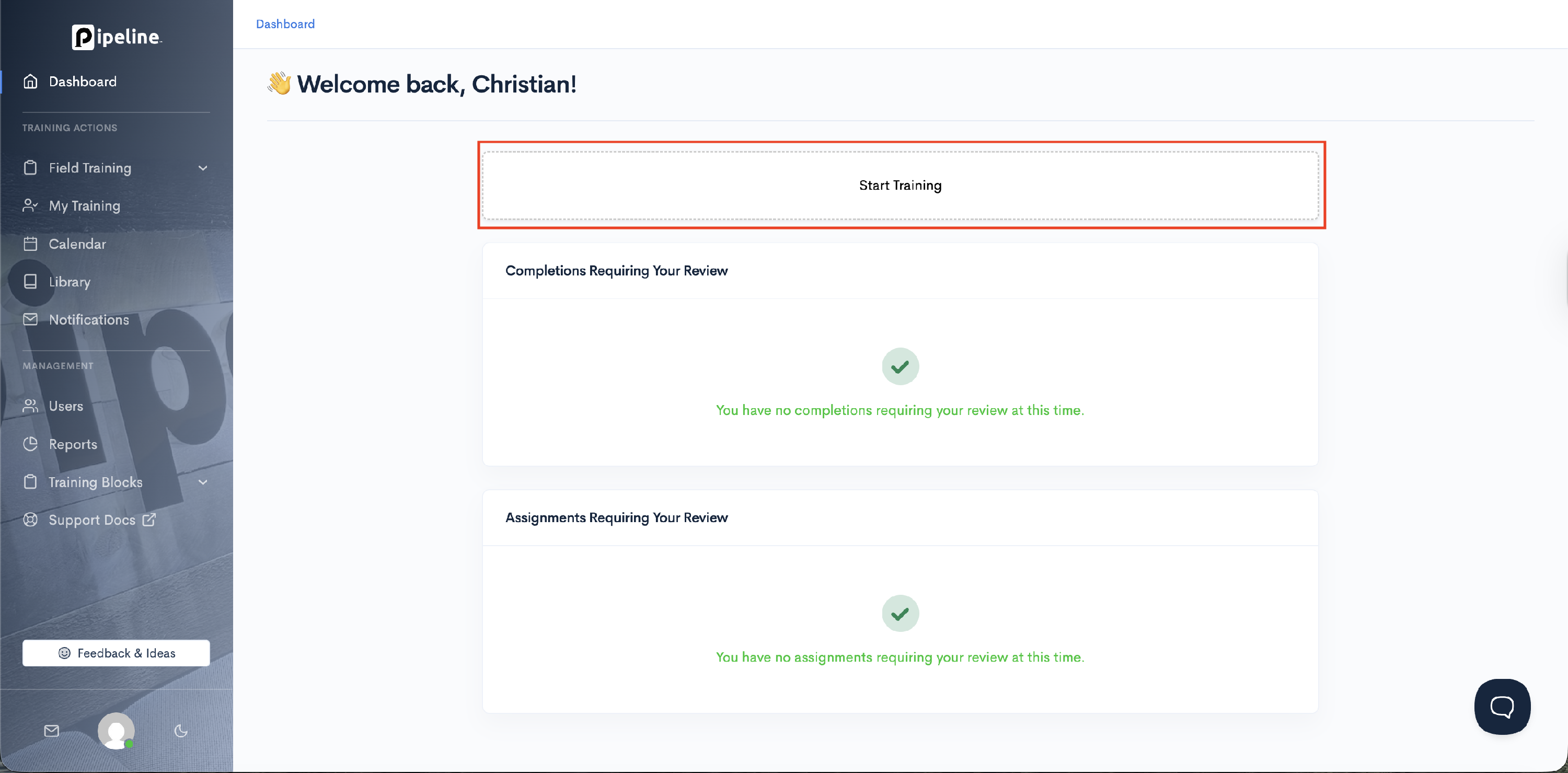
On the Dashboard, select Start Training.
- Select your shift start date, time, and shift length (in hours).

- Select your Trainee by typing their first or last name in the search box and selecting the radio button next to the appropriate trainee.

- Click Start Training to begin your shift.

- Your shift assignment will be created, and you will be directed to the Overview page for your shift!
